Project intake
Capture campaign goals, deliverables, locations, interview needs, approvals, and due dates before the first shoot day drifts.
This is the private ArcLight workspace for handling the parts of a project that usually get scattered across texts, emails, PDFs, and loose notes. It pulls the brief, schedule, review cuts, approvals, proof receipts, and delivery status into one place for ArcLight clients.
Access: issued per project once ArcLight opens the review lane.
Workspace type: private review room for ArcLight clients and collaborators.
Use case: intake, planning, notes, approval, and final handoff.
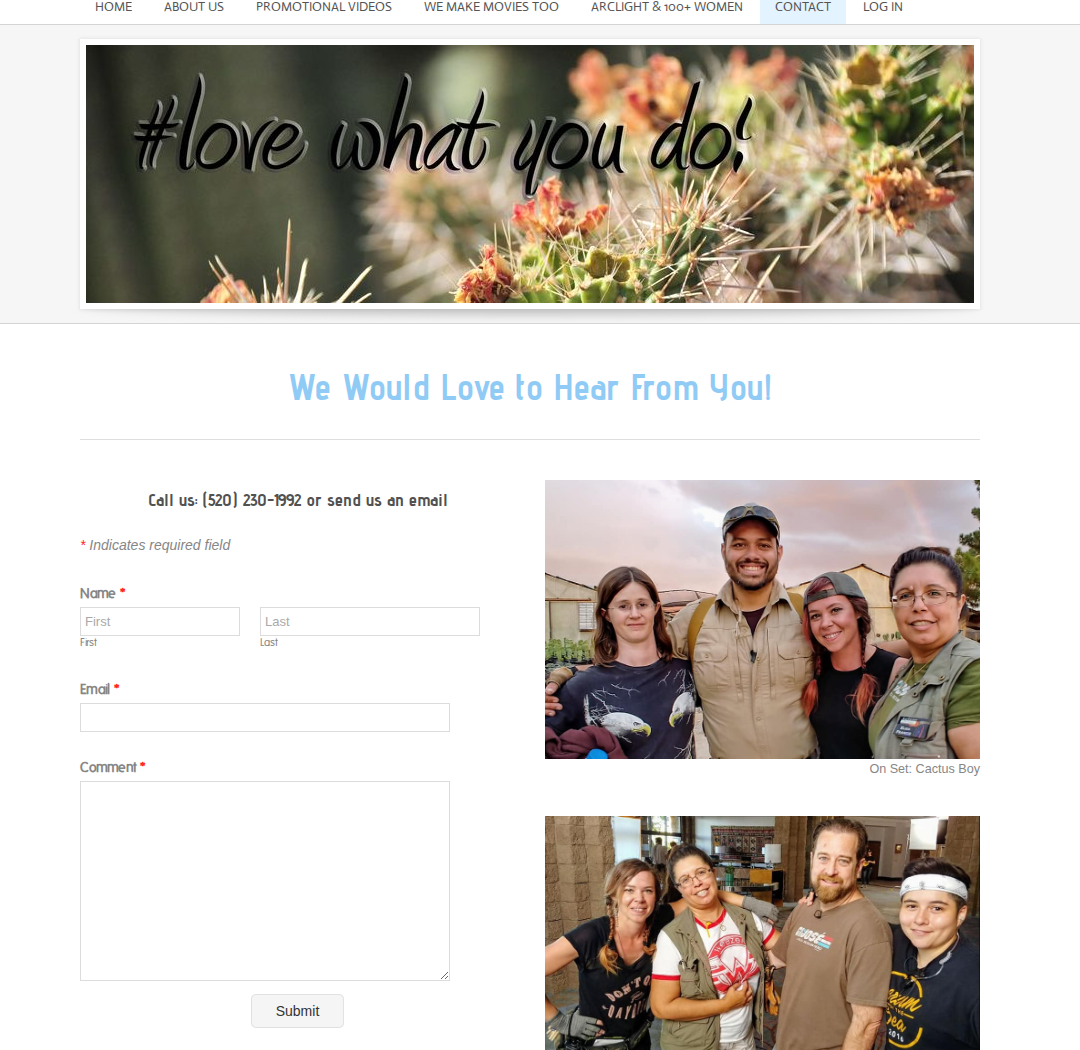
ArcLight’s public site already shows the outside story well: promotional videos, film work, community projects, and Southern Arizona roots. This workspace covers the inside story: what happens between “we should make this” and “here are the approved final files.”

That QR is for fast client handoff. It gives ArcLight a clean way to move someone from a conversation or meeting into the actual production lane without burying them in extra steps.
Capture campaign goals, deliverables, locations, interview needs, approvals, and due dates before the first shoot day drifts.
Keep first-pass notes, revision requests, timing comments, and approval checkpoints in one review lane instead of scattered threads.
Track hero edit, social cutdowns, alternate exports, subtitles, and final delivery status so nobody is guessing what shipped.
Generate proof receipts showing what changed, what was approved, and what still needs a human yes before anything public moves.
Great when a client has multiple stakeholders, rounds of feedback, and several final versions to track.
Useful when the timeline is compressed and ArcLight needs one place for same-day notes, pulls, selects, and recap priorities.
Helpful when story structure, interview shape, and review timing matter as much as the final visual polish.
Strong fit for repeat clients who need ArcLight to keep a stable operating lane between campaigns.
The public site shows what ArcLight makes. The workspace shows how ArcLight runs the project once a client says yes.
This lane is for review-room access, production coordination, notes, approvals, and final delivery handoff on active ArcLight projects.